 Vocalings
Help · Step 2 of 2
Turn it on.
Your free trial starts by itself. Bought a key? Paste it to the buddy.
Free trial: nothing to do.
- 1
Open it with internet on.
The first time Vocalings Suite opens, the buddy starts your trial: 14 days, everything unlocked. No card, no account.
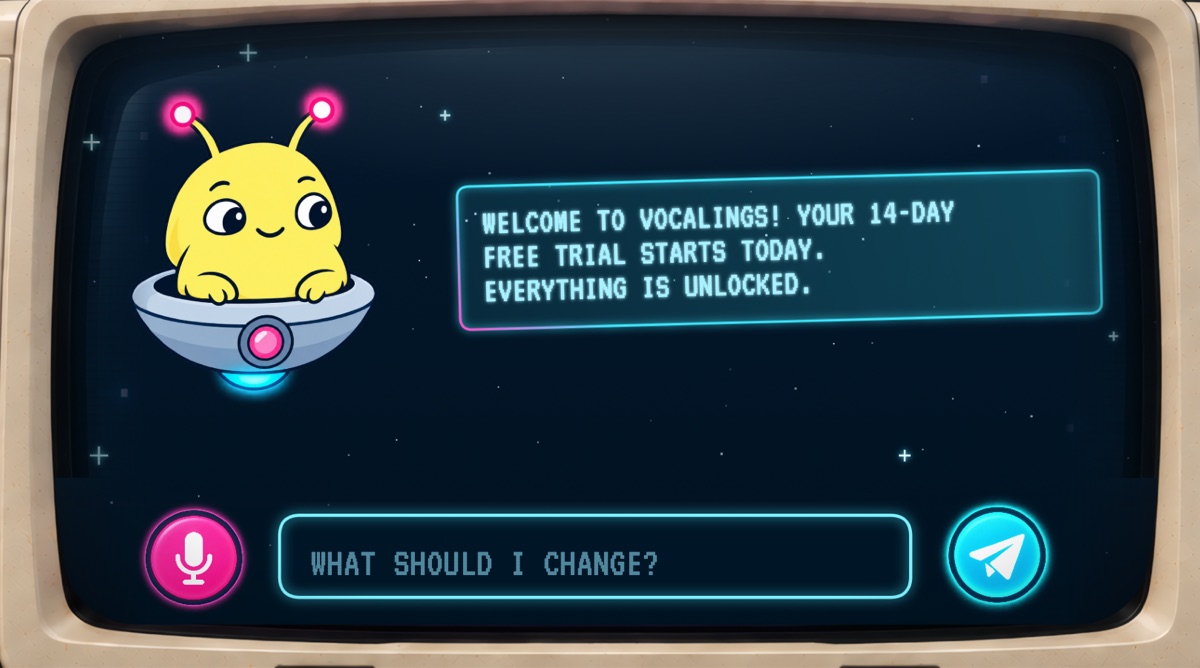
What you see the first time.
Bought it? Paste your key.
- 1
Find your key.
It's on the thank-you page after you pay, and in your email. It looks like VCAI-XXXX-XXXX-XXXX.
- 2
Paste it to the buddy.
Open Vocalings Suite, paste the key into his text field (where you type your requests) and press Enter.
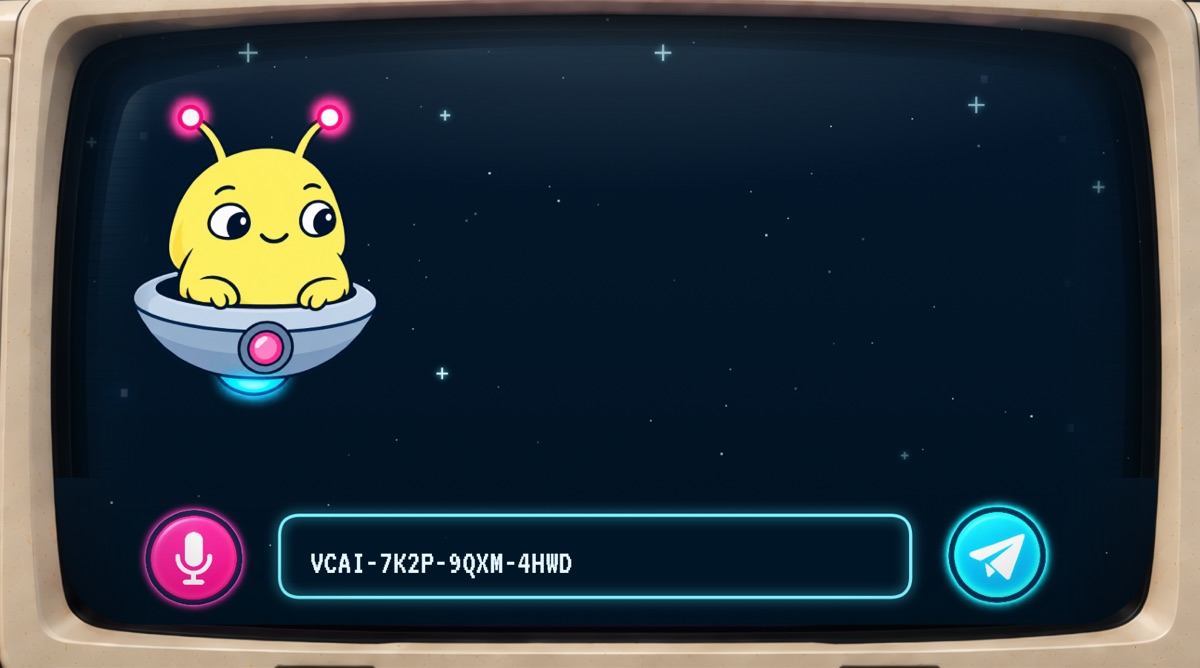
Example key. Yours is in your email. - 3
He says “Welcome aboard!”
That's it. Vocalings Suite is yours on this computer. Now tell him how you want your vocal to sound.
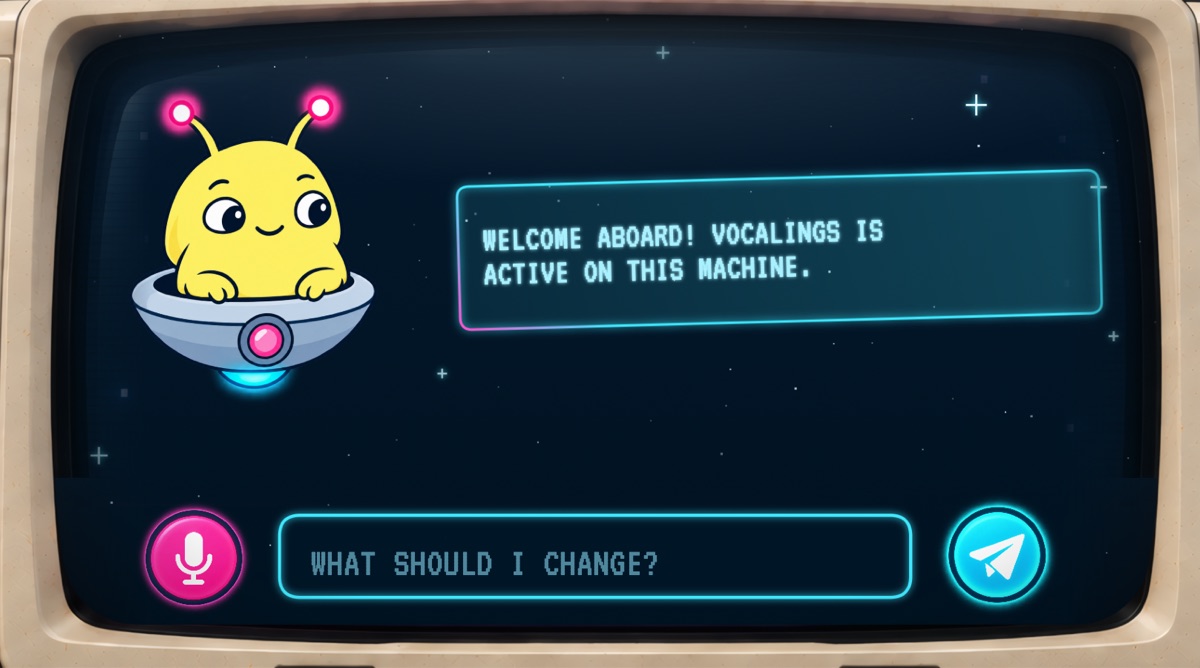
Done.
If he says something else.
“That key is not valid.”
Copy the whole key again. Copy it straight from your email or the thank-you page, all four parts, with no space before or after.
“I need internet to check a key.”
Connect once, then paste it again. Checking a key takes a moment online. After that it works offline.
“This key is already active on 2 machines.”
Your two computers are taken. Moving to a new computer? Write to [email protected] and we'll help.
“Your 14-day trial is over.”
Your audio still plays, untouched. Tap GET VOCALINGS to buy, then paste your key into his field.
Not installed yet?
Step 1: InstallStill stuck? Write to [email protected]. A human answers within 2 working days.